20ms Is A Lie: The UK Router Settings That Stop Your Lobby Feeling Laggy
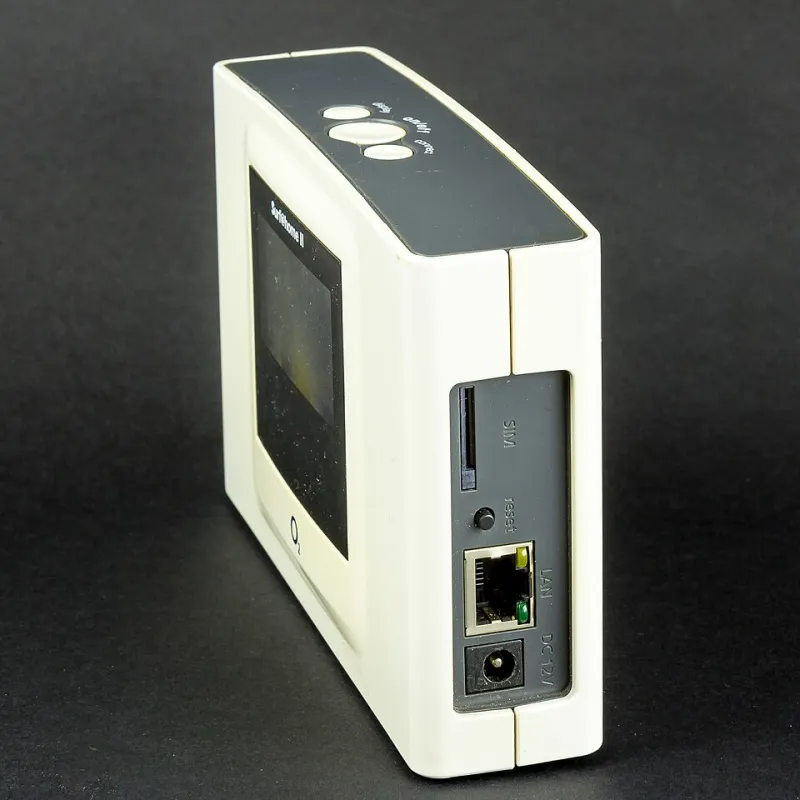
Photo: Raimond Spekking, CC BY-SA 4.0, via Wikimedia Commons
Your lobby says 20ms. Your character says otherwise. The hitmarker arrives a beat late, your strafe feels like it is happening in a dream and your squad swears the server is against you. The ping number is not a lie exactly, but it is a single frame from a much longer film. It does not show jitter, bufferbloat, packet loss or Wi-Fi retries. In the UK, those four things are often why a 'good ping' feels like wading through treacle.
What the ping number is actually telling you
Most games show round-trip time to a server, measured in one moment. If your connection is stable, 20ms is excellent. If it spikes to 120ms every 15 seconds, the average can still look okay while your shots feel late. You need the distribution, not a single dot. A connection that sits at 35ms all night is often better than one that bounces between 18ms and 90ms. Consistency is the stat that matters.
The UK-specific suspects
Bufferbloat: the classic fibre and cable problem
Someone uploads a TikTok, a housemate joins a Zoom call, a console downloads an update. Your router queues packets, and the queue gets long. That is bufferbloat: latency under load. UK ISPs with fast downloads and slower uploads — especially cable and some FTTC packages — can suffer badly. Test it with a bufferbloat test while wired, first idle and then with a download and upload running. If your idle latency is 20ms and your loaded latency is 150ms, you have found your villain.
Wi-Fi interference and airtime
2.4GHz is a crowded bus. Neighbours, baby monitors, microwave ovens and cheap smart plugs all share the air. 5GHz is better, but walls and distance still matter. 6GHz helps if your router and devices support it. Wi-Fi retries show up as lag even when packet loss looks low, because your device is waiting for airtime. For ranked, wire the console or PC. If you cannot, use 5GHz, keep line of sight where possible and stop relying on a repeater in the hallway.
ISP peering and server routing
Your 20ms might be to a London server. If the game quietly puts you on Frankfurt or Amsterdam, 20ms is not physically realistic from most of the UK. Routes vary by ISP too. BT, EE, Virgin Media, Sky, TalkTalk and Vodafone do not all peer the same way, and a game server that is fine for one player can be a dog's dinner for another. Use in-game region select where it exists. Do not let 'auto' put you on a distant server and then blame the lobby.
Double NAT and CGNAT
Double NAT can break matchmaking, voice chat and port forwarding. CGNAT — carrier-grade NAT — means you are sharing a public IP with other customers, which can cause problems for some games and consoles. Check your router's WAN IP. If it sits in the 100.64.0.0/10 range, you are likely behind CGNAT. Ask your ISP whether a public IPv4 address is available. It is not always needed, but it is one more variable to rule out.
Tests to run before you spend a penny
- Run a wired bufferbloat test at idle and under load. Save the results.
- Use PingPlotter or ThinkBroadband's line monitor to watch latency over 20-30 minutes, not five seconds.
- Traceroute to the game server if you can find the IP. Look for a hop that spikes consistently.
- Scan your Wi-Fi channels and note how many neighbours are sitting on yours.
- Check the game's server region and data centre. Take a screenshot when it feels bad.
Router settings that actually help
Turn on SQM or QoS — properly
Not 'gaming mode'. Not a priority button with no configuration. You want Smart Queue Management or Quality of Service that lets you set your upload and download slightly below your measured speed — usually 85-90% — and prioritise your console or PC. If your router does not support SQM, a firmware upgrade or a modest replacement may help, but fix the free stuff first. A £150 router cannot outrun a congested upload queue.
Wire the important device
Ethernet is still the best latency upgrade in the house. If the router is too far away, consider powerline adapters as a compromise, but understand that they depend on your home's wiring. MoCA over coax is another option in some homes. Avoid Wi-Fi repeaters for competitive play; they repeat the problem.
Fix Wi-Fi channels and bands
Use 5GHz for gaming if you cannot wire in. Pick a clear channel rather than leaving everything on auto, especially in a flat or terrace where everyone's router is shouting over everyone else. 80MHz is usually a better balance than 160MHz in busy areas. If your router has a 'smart connect' feature that merges 2.4GHz and 5GHz under one name, consider splitting them so you can force the right band.
Disable the nonsense
Parental controls, traffic shaping you did not configure and half-baked 'game boost' toggles can do more harm than good. Update the router firmware. Reboot it properly. Give your console or PC a DHCP reservation so your QoS rules do not chase a changing IP address.
Sort out UPnP and port forwarding
UPnP can help consoles and some games open the right ports, but it is not a magic fix. If you have a strict NAT, forward the correct ports for your platform or enable UPnP deliberately, not by accident. Double NAT is the one to kill first.
Game-side settings worth checking
Server region is not just a menu decoration. If you are in Glasgow, Belfast or Cardiff and the game has put you in Frankfurt, your 20ms claim is fantasy. Turn on any in-game network overlay that shows packet loss and jitter. Check whether crossplay is putting you in a different pool. Some games hide the data centre; some show it. Use what you have.
When it is genuinely the ISP
If you have wired in, fixed bufferbloat, changed servers and still see persistent packet loss or latency spikes to everything, log it. Keep your line-monitor graphs, note the times and call your ISP with evidence rather than vibes. Peering problems and congested exchanges are real. But most 'laggy lobby' stories start at home, not in a data centre.
The bottom line
Stop blaming the lobby until you have blamed your own setup first. 20ms is a claim, not a guarantee. Fix bufferbloat, wire in, choose the nearest server and test one change at a time. Go Loaded would rather you win the fight than win an argument about ping.