Bargain-Bin Silicon: How to Vet a £20 Second-Hand SSD Before It Bottles Your Ranked Session
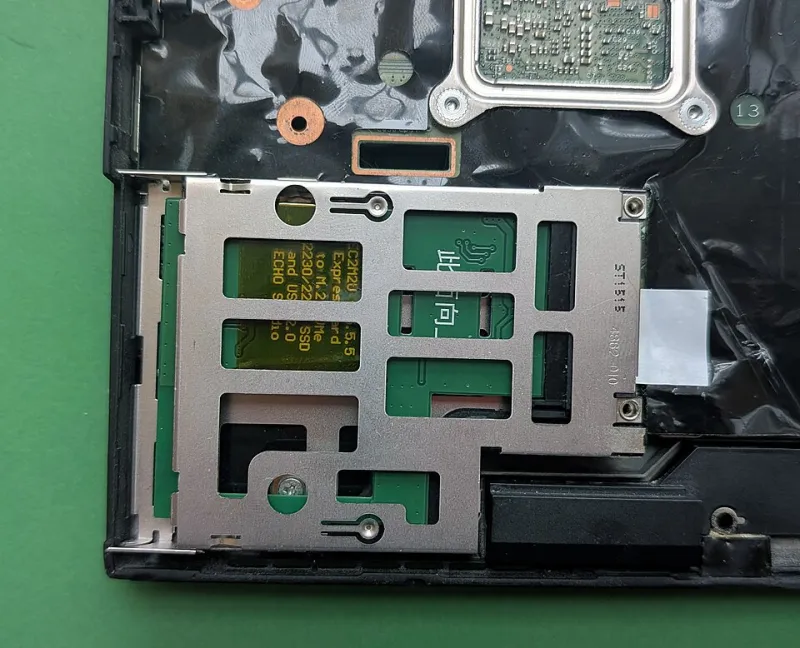
Photo: Siarhei V, CC BY-SA 4.0, via Wikimedia Commons
There is a special kind of hope in seeing a 1TB NVMe drive listed on Facebook Marketplace for twenty quid. It is the same hope that convinces you a car-boot controller will have hall-effect sticks and that a Cash Converters monitor will be a 144Hz panel. Sometimes the hope pays off. Sometimes you get a drive that writes game updates like it is chewing through wet cardboard.
Your ranked night does not care about hope. It cares about sustained writes, clean reads and a drive that does not vanish from Windows halfway through a patch. A cheap SSD can absolutely earn a place in your setup, but only if you health-check it before it becomes the load-bearing part of your evening.
Why a tired drive is a ranked-night risk
Modern games are not shy about storage. Shader caches, texture packs, patch-day rewrites and anti-cheat updates all hammer the drive. A worn or misrepresented SSD can show up as stutter when the lobby fills, a freeze during map load, or a crash that looks like a GPU problem but is really storage falling over.
The tricky part is that a dying drive often feels fine in the desktop. It boots, it opens folders, it copies a screenshot. Then you ask it to write 30GB of patch data while you are already queuing, and the cracks appear.
Where UK bargains actually turn up
Facebook Marketplace is the obvious hunting ground, but it is not the only one. Cash Converters and CEX can be worth a look because you get a receipt and a stated returns policy. Car-boot sales are the wild west: brilliant for a punt, terrible for recourse. Local PC repair shops sometimes sell pulls from upgraded machines, and those can be solid if the shop is willing to show you a SMART report.
The rule is simple. A shop with a counter and a returns window is a different risk profile from a seller who wants a bank transfer in a retail park car park. Neither is automatically bad, but only one gives you somewhere to go if the drive starts throwing errors.
The SMART readings that actually matter
Ask for a CrystalDiskInfo screenshot before you travel. On Linux or a technical seller, smartctl output is fine too. You are looking for more than the big green Good label.
- Percentage used or health status. On NVMe drives this gives a rough idea of wear. A drive at 80 percent used is not dead, but the price should reflect it.
- Total host writes versus rated endurance. If the seller can tell you the model, check its TBW rating. A drive that has written most of its rated life is a backup-drive candidate, not your main game drive.
- Power-on hours. High hours are not automatically a problem, but they add context. A drive with huge hours and high writes has lived a life.
- Reallocated sectors, pending sectors and uncorrectable errors. Reallocated sectors above zero deserve caution. Pending or uncorrectable errors are a walk-away.
- Media and integrity errors. On NVMe, these are the sort of numbers that make a cheap drive less of a bargain.
- Unsafe shutdowns. A high count suggests rough handling or a machine that kept losing power.
- CRC errors. These often point to a cable or connection issue, but they can also hint at a controller that is not happy.
- Temperature. A drive that idles hot before it has done any work is not a great sign.
Do not treat one scary number as a guarantee of doom. Do treat a seller who refuses to show SMART data as a reason to keep your wallet closed.
Fake capacity is still doing the rounds
There are drives out there that claim 2TB and deliver far less. They rely on the controller lying to the operating system, and the symptoms show up when you fill the real capacity: files overwrite each other, folders corrupt, and the drive slows to a crawl.
Use H2testw on Windows or f3 on Linux to validate capacity. A short test is better than nothing, but a full write-and-verify pass is the only way to prove the advertised size is real. If you are buying a cheap drive from a car boot, budget the time for a full test before you trust it with anything you care about.
One UK-specific trap: cheap USB enclosures. They are handy for testing a drive before it goes into your PC, but they can bottleneck speed and hide temperature behaviour. Do not judge an NVMe drive's performance through a fiver's worth of USB adapter. Use the enclosure for a SMART check and a smoke test, then test properly in the machine if you can.
Warranty red flags and seller nonsense
A second-hand drive is not a new drive. That is fine. What is not fine is a seller who will not let you test it, wants payment by bank transfer before you have seen it, or gets weird when you ask for the serial number. A scratched-off serial, a missing caddy, a warranty sticker that has been peeled, or a price that is dramatically below the going rate are all reasons to slow down.
Check the store policy if you are buying from a shop. Keep the receipt. If the seller claims a 30-day warranty on a car-boot drive, treat that as a friendly vibe rather than a contract. For Marketplace, use the platform's protected payment method where possible and meet somewhere public. If the drive is for your main machine, buy from someone who is happy for you to run a test before money changes hands.
The 20-minute bench routine
This is the quick routine for a meet-up or a shop counter. It will not prove a drive will last five years, but it will catch the obvious nightmares.
- Inspect and photograph. Check the label, serial, connector condition and any signs of rough removal. Photograph the SMART screen before you pay.
- Run a SMART check. CrystalDiskInfo or smartctl. Note health, writes, power-on hours and any error counters.
- Write a 10-20GB folder of real game files. Not one tiny file. Use a folder with lots of smaller files and a couple of big ones, because that is closer to a patch-day workload.
- Read it back and verify. Copy the folder back off the drive and compare checksums. If files fail to read or the transfer speed collapses, walk away.
- Watch the temperature and recheck SMART. A short sustained write should not send the drive into a thermal panic. Reopen SMART after the test. If error counters have climbed, that is your answer.
If the drive passes the 20-minute smoke test and you are seriously considering it, run a full H2testw or f3 pass overnight before you make it your main game drive. For a secondary drive that only holds a couple of installs, the smoke test plus a clean SMART report is a reasonable risk for twenty quid.
Patch-day proofing
Once the drive is in your machine, do not trust it with a huge update on the night you want to play. Copy a big game folder to it, verify the copy, then launch the game from that drive and play a session. If it stutters during shader compilation or map loading, it will stutter when the lobby is full and everyone is shouting at you to ready up.
Keep important saves and documents off the bargain drive. Use it for games you can reinstall, not for the only copy of anything. A cheap SSD is a tool, not a vault.
The verdict
A £20 second-hand SSD can be a genuinely smart pickup for a secondary game drive, a spare machine or a test bench. It is not a smart pickup for your only Windows install if you have not tested it. Check the SMART data, validate the capacity, use protected payment where you can, and give it a proper write-and-read test before it earns a place in your loadout.
Your rank is worth more than the saving. But if the drive is clean, cool and honest, that twenty quid can keep your patch days quick and your ranked nights steady.