The Spare Screen Doctrine: A £20 Stand, a 15-Minute Setup, and Sharper Map Reads
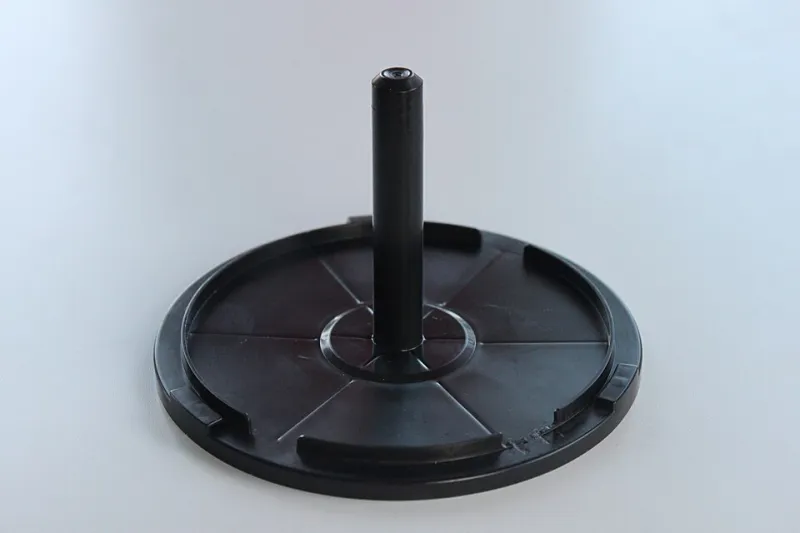
Photo: Klaus-Dieter Keller, CC BY-SA 3.0, via Wikimedia Commons
A second screen is one of those upgrades that sounds brilliant until you actually use it. You stick an old tablet next to your monitor, load up Discord, a map, maybe a build guide, and within ten minutes you are craning your neck, missing callouts, and wondering why your aim feels off. The screen is not the problem. The geometry is. That is why a £20 tablet stand from Argos is worth more attention than it sounds — not because it is exciting, but because it fixes the bit that makes a side screen useful instead of distracting.
This is not a guide to building a command centre. It is a guide to giving your spare tablet one job, putting it in the right place, and making sure your main monitor still wins every fight for your attention.
What a second screen should actually do
A side screen should answer one question per glance. That is the whole brief. In a ranked lobby, that question might be: where is the next rotation, who is talking in Discord, what is the next build step, or how long until the objective flips. If you have to read a paragraph, it belongs on the main screen. If you have to turn your head more than a few degrees, it belongs in the bin.
For most UK players, the most useful side-screen setup is boring: a full-screen map, a compact Discord view with notifications muted, and a pinned notes tab for builds or callout names. No video. No second browser full of tabs. No stream chat. The side screen is a peripheral tool, not a second entertainment system. Treat it like a minimap for your desk.
The other job is posture. A tablet lying flat on the desk forces you to look down. A tablet propped too high forces you to look up. Both pull your eyes away from the main monitor and put your neck in a weird spot for a long session. A stand gets the tablet closer to eye line, angled towards you, and stable enough that you are not rescuing it mid-round.
The three stands we tried
We picked up three sub-£20 options from the high street and ran them through a week of normal ranked nights. The test was simple: stability, height, angle, footprint, cable routing, and whether the tablet stayed put when a charging cable got tugged.
First up was an Argos own-brand folding tablet stand, around £12. It is plastic, it folds flat, and it has a adjustable lip that holds a 10-inch tablet in landscape. It is not glamorous, but it is stable at a sensible angle and the wide base keeps it from skating across the desk. The catch is that the higher you push the angle, the more it wobbles. Keep it low and close and it is perfectly fine.
Second was a generic aluminium adjustable stand from a Currys aisle, roughly £18. This is the one most people will gravitate towards. It feels sturdier, has rubber pads, and holds a tablet at a better height for a side screen. The downside is footprint: it takes up more desk space than you think, and the fixed-ish angle means you need to place it carefully rather than just plonking it down.
Third was a cheap wire book stand from a stationery shop, under a tenner. It worked, but only just. It held a phone fine and a small tablet in landscape, but it had no cable cutout and the angle was aggressive. If you are using an old phone as a map screen, it is a decent punt. If you are using a full-size tablet, skip it.
The winner for most people is the boring one: the Argos stand, set low and angled slightly inward. It does not look like gear. It looks like something that belongs in a kitchen drawer. That is exactly why it works. It gets the screen where you need it without turning your desk into a rig.
The 15-minute placement routine
You do not need a full afternoon. Give this a quarter of an hour and then leave it alone.
Minutes 0–3: clear the desk and pick a side
Move the clutter. Your main monitor stays centred. The side screen goes on the side opposite your mouse hand — for most right-handed players, that means the left. This keeps your mouse arm free and stops the side screen from becoming an obstacle. Angle it inward by about 20 to 30 degrees, with the top edge no higher than your main monitor. A 10–15cm gap between screens is plenty. Any further and you are turning your head; any closer and the bezels start to merge.
Minutes 3–6: set the stand height
The bottom of the tablet should sit roughly at desk level or just above it. You want to glance sideways, not down. If the stand has adjustable angle, tilt it back slightly so the screen faces your eyes. Plug the charging cable in now and route it behind the stand. Give the cable a gentle tug. If the tablet moves, fix it before you queue.
Minutes 6–10: configure the screen properly
Extend the display, do not mirror it. Mirroring just gives you a smaller copy of what you are already looking at. Set the tablet to a sensible resolution, turn on dark mode, and crank the text size until you can read it without leaning in. Pin your map or notes app full screen. Open Discord in compact mode and mute every server you do not need. Notifications off. This is not a negotiation.
Minutes 10–13: run a glance drill
Load a bot lobby or training range. For five minutes, only look at the side screen during rotations, respawns, or between fights. Not during a gunfight. The point is to train the glance, not to prove you can read a map while someone is pushing you. If you notice your head moving, the screen is too far. If you notice your eyes dropping, it is too low.
Minutes 13–15: lock it down
Mark the stand's feet with a bit of tape if it slides. Add a cable clip if the charger is pulling. Set the tablet to stay awake while plugged in. Then stop fiddling. The best side-screen setup is the one you forget about until you need it.
The mistakes that turn a side screen into a tax
The first mistake is putting it too high or too far away. If you have to turn your head, you will stop using it during fights, and then it is just expensive clutter. The second is running full Discord with every server pinging. That is not map awareness; that is a slot machine for your attention. The third is using the side screen for video. A stream or YouTube tab on a second screen is brilliant for downtime and terrible for ranked. The fourth is trusting a cheap stand at a steep angle. Tablets are top-heavy. Keep the angle modest and the base wide.
The verdict
The Argos tablet stand is not a flex. It is a fix. For around £20, it solves the geometry problem that makes most spare-screen setups fail: the screen ends up too low, too far, or too unstable to glance at naturally. Pair it with a map, a muted Discord, and a 15-minute placement routine, and your old tablet stops being a drawer relic and starts being a proper ranked tool. Your main monitor stays centre-stage. Your eyes stay where they should. And your map awareness gets the quiet assist it has been missing.
Gear up, level up, and keep the side screen boring. Boring is fast.