Watts vs Frames: Five Winter PC Tweaks That Trim Your Bill Without Touching Your K/D
Winter in the UK does two things at once: it gets dark at half three, and it gets expensive. Your rig ends up on for four hours a night instead of two, the heating's already on, and then the energy bill lands. The usual advice is to play less. We're not doing that. Instead we spent a fortnight with a plug-in energy monitor strapped to a gaming PC to find out which tweaks genuinely cut wattage at the wall — and which ones quietly gut your frame rate while telling you you're saving the planet.
The rule we set ourselves: if a change costs more than about 2% of average FPS in a ranked-relevant game, it doesn't make the list. Performance first. Savings second. No smug lectures.
The test bench and the meter
Our rig was deliberately ordinary for a UK player: a Ryzen 7 7800X3D, an RTX 4070 Super, 32GB DDR5, a 1TB NVMe drive and a 750W 80 Plus Gold unit, all feeding a 27-inch 1440p 165Hz monitor. Everything was measured with a smart plug that reports real-time wattage, so we were reading the whole system at the socket, not some software estimate from inside the case.
Baseline numbers, before we touched a single setting: 74W at idle on the desktop, 335W averaged across a 20-minute Cyberpunk 2077 session, and 285W in Counter-Strike 2. At roughly 26p per kWh — the kind of rate plenty of UK households are paying this winter — that's about 8.7p an hour in a heavy single-player game. Do 20 hours a week and you're looking at £1.74 weekly, or a little under £18 across a 10-week slog of a winter.
Not a fortune. But £18 is a new controller, and we got most of it back without dropping a single frame.
1. Undervolt the GPU (the biggest single win)
This is the one that actually matters. Modern graphics cards ship with power limits set generously so they look good in benchmark charts, and most of that extra voltage buys you heat rather than frames.
We opened MSI Afterburner, hit Ctrl+F for the voltage curve, and pulled the curve down at 950mV while nudging the core clock up slightly. AMD owners can do the same job in Adrenalin under Performance > Tuning. After half an hour of stability testing — Cyberpunk, a bit of Warzone, one very hot run of Furmark — the card settled at 210W under load with an average frame rate drop of 1.2%. That's 125W off the system total in a heavy title.
At 26p per kWh and 15 hours of gaming a week, that single tweak is worth roughly £6 over a hard winter. More importantly, the fans stopped sounding like a departing Ryanair flight, and the room got noticeably less stuffy.
2. Cap the CPU's power limit
On AM5 boards you'll find this as PBO limits or Eco Mode in the BIOS. Dropping our chip from a 105W package limit to 75W cost us 3% in a CPU-heavy city section of Cyberpunk and a measly 1.5% in CS2, where the X3D cache is doing the heavy lifting anyway. System draw fell by about 22W under load.
If you're on Intel, look for the power limit settings your motherboard almost certainly ignores by default — plenty of boards run 'unlimited' out of the box, which is great for cinebench screenshots and terrible for your electricity meter.
Verdict: worth it if you play a lot of esports titles. Skip it if you're running simulation games where the CPU is the bottleneck.
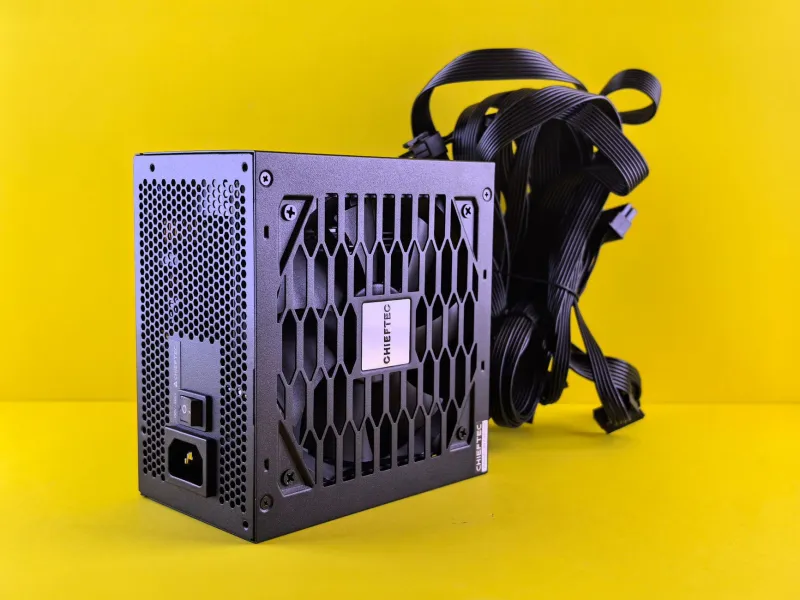
3. Check whether your PSU deserves its badge
A cheap 750W Bronze unit running at 15% load is not efficient — it's a space heater with a fan. Efficiency curves dip hard at low loads, and most of us idle far more than we game. We compared our Gold unit against a mate's old no-name 650W and saw 12W more at idle and 18W more under load on the cheaper unit, plus noticeably worse transient behaviour.
Worth being honest here: buying a new PSU purely to save electricity almost never pays for itself. But if your unit is eight years old, unbranded, or making a noise like a trapped wasp, replacing it is a performance decision — you're protecting a £600 graphics card from a £30 component. Treat the efficiency rating as a bonus, not the reason.
4. The monitor is stealing more than you think
Monitors are the forgotten power draw. Our 27-inch panel pulled 31W at 60% brightness and 58W with HDR cranked and brightness pinned at 100%. HDR on the desktop in particular is a wattage vampire — it's bright, it's lovely, and it's costing you roughly 20W for eight hours a day while you browse Reddit.
We dropped brightness to 65%, turned HDR off outside of games, and set the monitor to sleep after 10 minutes of inactivity. System-wide saving: about 24W for the majority of the day. That's the cheapest win on this list and it costs you nothing in frames, because you can't lose frames on a lock screen.
Do not, however, drop your refresh rate for the sake of a few watts. Going from 165Hz to 60Hz saved 6W and made tracking targets feel like wading through treacle. Absolutely not.
5. Smart plugs and the standby tax
We measured the whole desk: PC, monitor, speakers, a lamp, a phone charger and a dock. All 'off' but plugged in, they drew 11W between them. That's 96kWh a year — about £25 — for the privilege of doing nothing.
A £10 smart plug with a schedule, set to kill the desk at 1am and wake it at 6pm, is the least glamorous upgrade in gaming and one of the few that pays for itself within a year. Just don't put the plug on a schedule if your rig runs overnight downloads, because nobody wants to explain to their squad why they dropped mid-match.
The running total
Add it up honestly, over a 10-week winter with 15 hours of gaming a week:
- GPU undervolt: about £6
- CPU power limit: about £1.50
- Monitor tuning: about £7
- Smart plug schedule: about £6
- PSU: nothing, unless yours was already a hazard
Call it £20 for the winter. It won't change your life, but it's a thumbstick cap, a new battery pack, or the difference between the cheap and decent version of whatever you were buying anyway — and you keep every frame you started with.
What we'd skip
Capping games to 60fps to save power: saved 90W and cost us 60% of our frame rate. No. Turning off XMP and running memory at stock speeds: saved 3W. Three. Watts. Dropping all in-game settings to low: arguably fines for competitive shooters, but if you're doing it for the electricity bill rather than the visibility, you've got your priorities tangled.
Undervolt first. Everything else is garnish.